Children’s drawings
Give a child’s characters names, feelings, and a gentle beginning, middle, and end.
Today’s drawing. Tonight’s story.
A dinosaur, a purple cat, or a planet with three moons: start with a character your child has already imagined. Photograph the drawing and StoryLens uses the picture—not just written words—to create a new story you can review, edit, save, and hear together.
Free download · In-app purchases · Generation limits apply. View your allowance and localized subscription price in the app before purchasing.
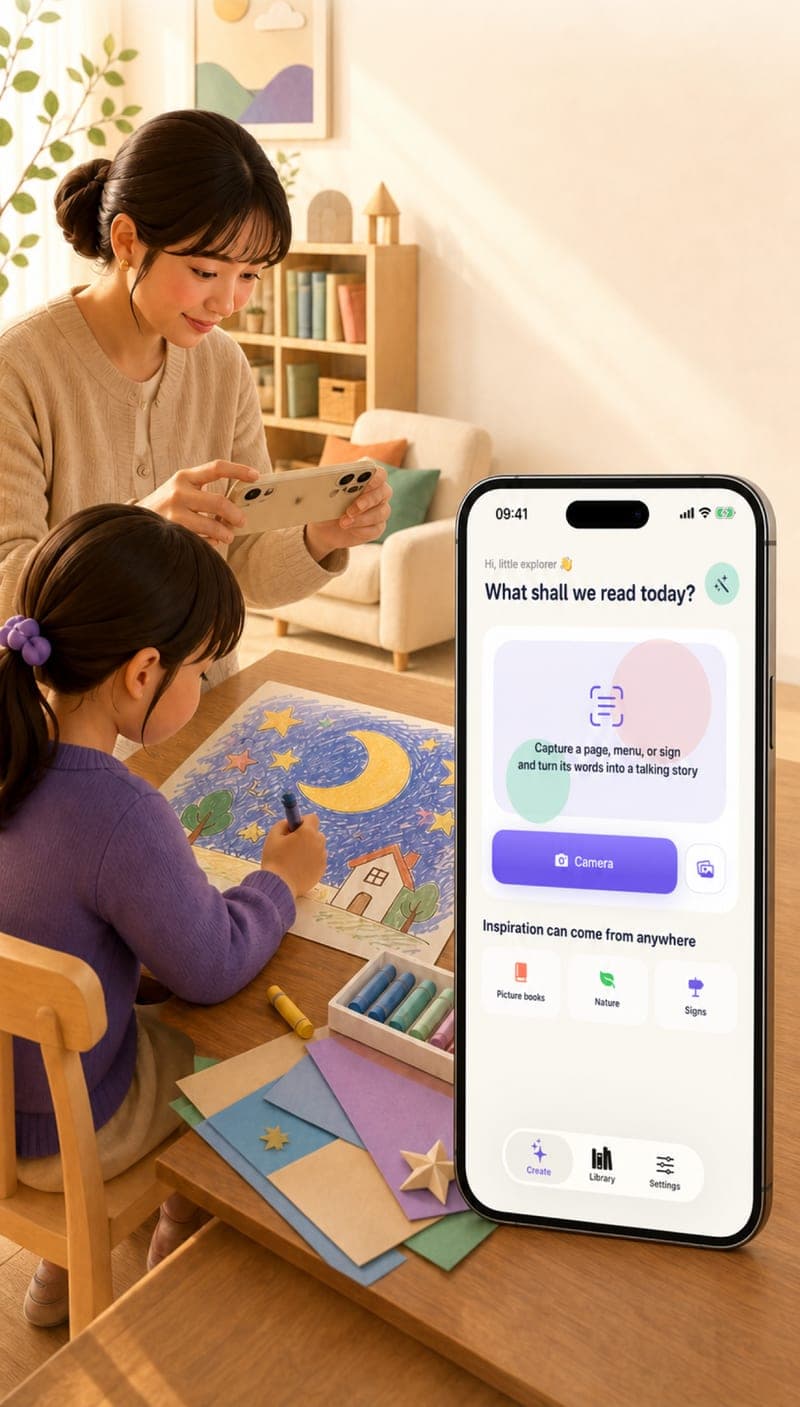
Give a child’s characters names, feelings, and a gentle beginning, middle, and end.
Turn a garden bug, a rainy window, or a favorite toy into a story prompt.
Create a keepsake story inspired by a trip, celebration, or ordinary afternoon.
Place the picture in good light, keep the whole character in frame, and avoid shadows. Crop out names, school details, or anything you do not want to share with cloud AI.
Choose English or Chinese and an approximate one-, three-, or five-minute reading length. Start short so you can review the result together.
Read the draft first. Edit names or details with your child, then play the cloud narration and save the story for another evening. Generation and new narration need an internet connection.
A crayon drawing of a purple cat, a tiny moon, and three yellow flowers.
“Milo the purple cat found the moon resting between three yellow flowers. It was no bigger than a button—and it had forgotten the way home…”
Examples are illustrative. Families can review and edit every result.A simple crayon animal can be enough. Try a favorite character, a drawing from today, or a picture of an imaginary place. A crowded collage can make it harder to identify the detail you care about.
Before generating, ask: Who lives here? What are they looking for? After reading the result, edit details together. The AI’s interpretation is a starting point, not a replacement for the story your child wants to tell.
Review the whole story before playing it. Remove anything that does not suit your child, read or listen together, and ask which part they would change. StoryLens supports shared storytelling; it does not guarantee sleep or educational outcomes.
Use your own artwork or a picture you have permission to use. Avoid including a child’s identifying information. Read how images are processed.
Yes. Choose a photo of the drawing. StoryLens uses visible characters, objects, and scenery as inspiration. It creates a new interpretation rather than recovering a story your child already has in mind, so review it together and edit details as needed.
No. StoryLens can use the visible scene, objects, and details in an image as inspiration for a new story.
Yes. You can change the title and story text before saving or sharing it with your family.
No. A compressed image is sent only to the cloud AI services needed to understand the scene and create the story. It is not used for targeted advertising.
This flow creates story text and narration inspired by the picture. It does not turn the drawing into an animated character or promise a newly illustrated page for every scene.
StoryLens is free to download and offers in-app purchases. Story and voice generation have usage limits. Check the app for your available allowance and the current localized Pro price and billing period before subscribing; this is not an unlimited free generator.
This page explains the process; generation happens in the StoryLens app for iPhone and iPad. Download the app, choose a drawing, and review the generated story before sharing it with your child.
 Start making stories today
StoryLens is now available on the App Store for iPhone and iPad.
Download on the App Store